



Description
Download Donald Draws Executive Doodle APK – Photo Editing, Meme Tool, Executive Order Creator
Overview
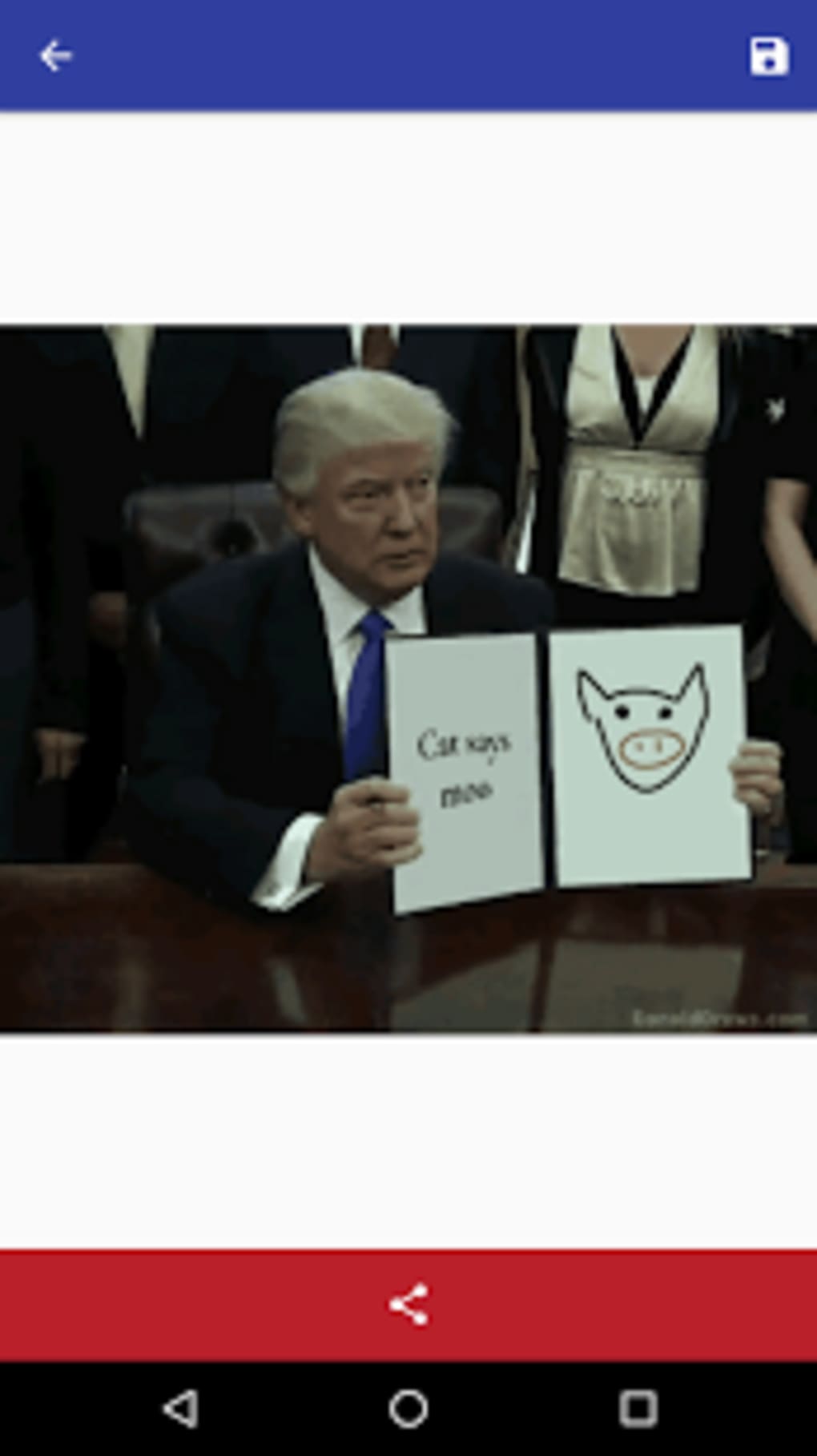
Donald Draws Executive Doodle is a desktop application designed for creating humorous, satirical versions of presidential executive orders. The software allows users to overlay custom text, doodles, or annotations onto a template resembling a formal government document. It is intended as a lighthearted tool for meme creation, particularly appealing to users interested in political satire, internet culture, and visual humor. The app does not support real document editing or policy drafting, and its functionality is strictly limited to creative expression and social media sharing.
Target users include casual content creators, meme enthusiasts, and individuals looking for a quick, fun way to generate shareable images. The application is not suited for professionals requiring accurate document handling or legal compliance. Real-world usage scenarios involve creating parody content for social media platforms, using the app to comment on current events, or sharing humorous interpretations of political discourse through visual gags.
The developer did not provide additional information about the company or background. The app’s purpose is clearly comedic, with no pretense of utility beyond entertainment. It is best viewed as a novelty tool rather than a serious productivity or design application.
Key Features & Capabilities
- Executive Order Template – Provides a pre-designed layout resembling a formal presidential document, complete with placeholder areas for text and image insertion.
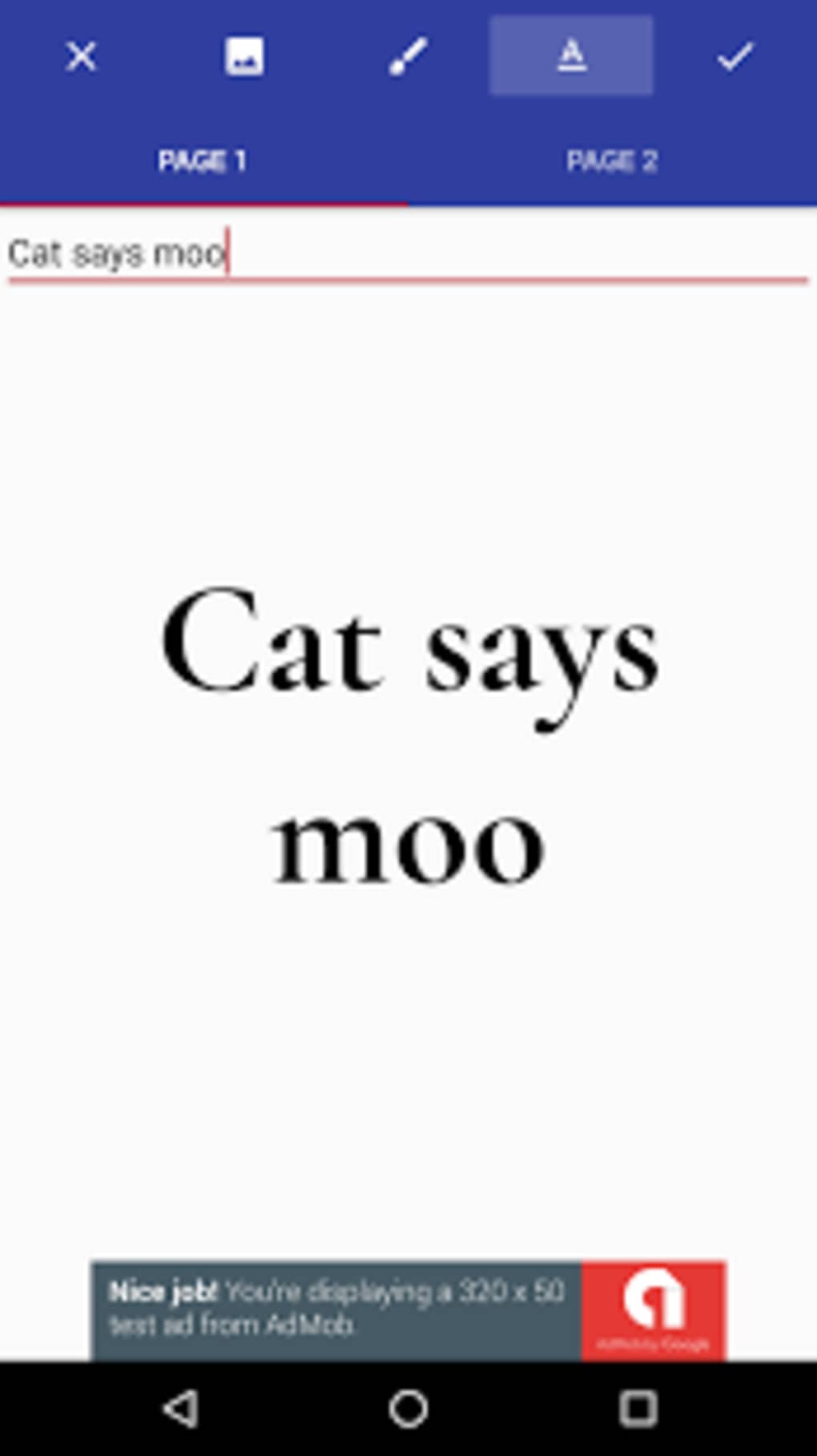
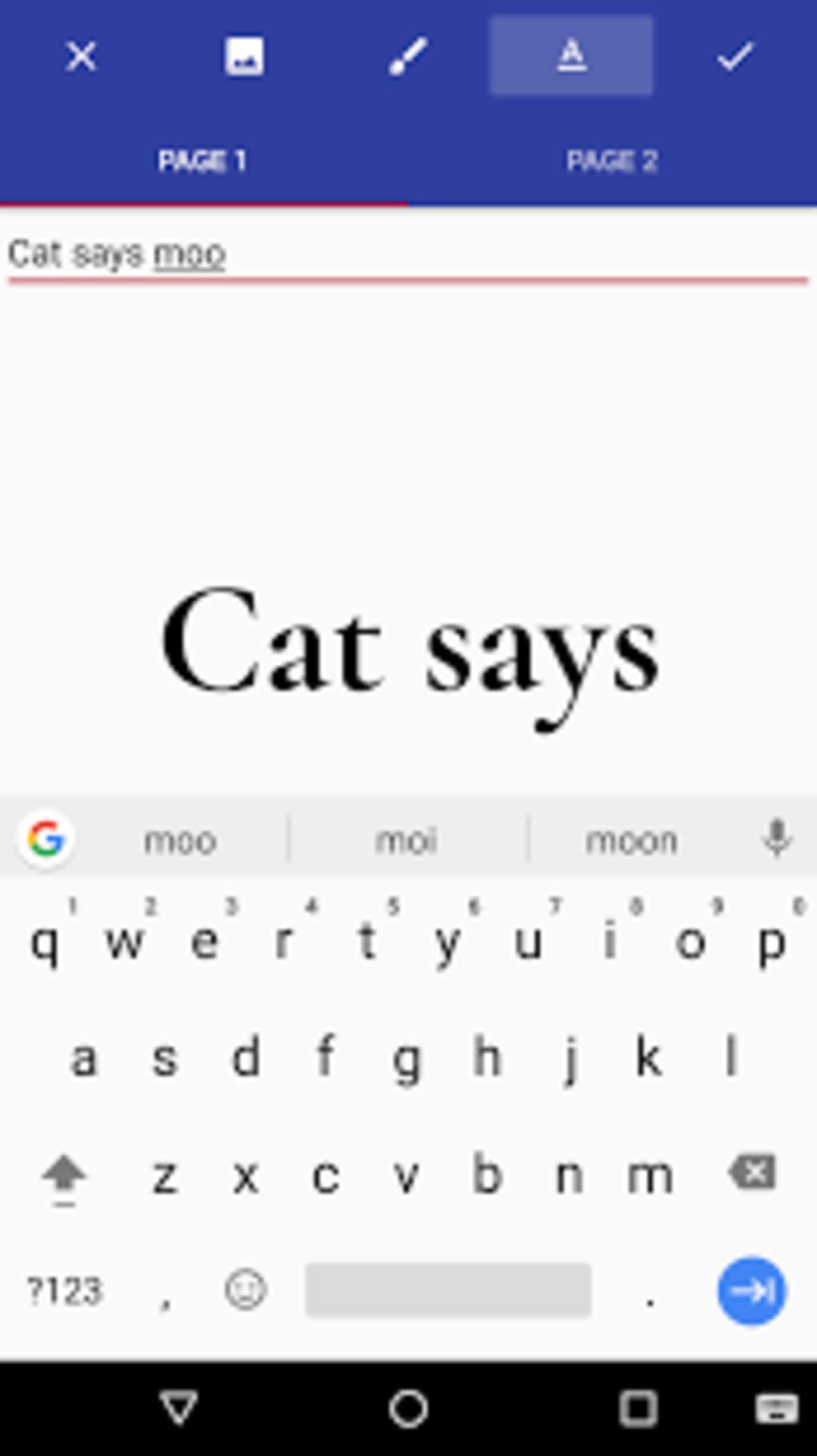
- Custom Text Overlay – Allows users to type and position personalized text on the document, enabling the creation of satirical or humorous policy statements.
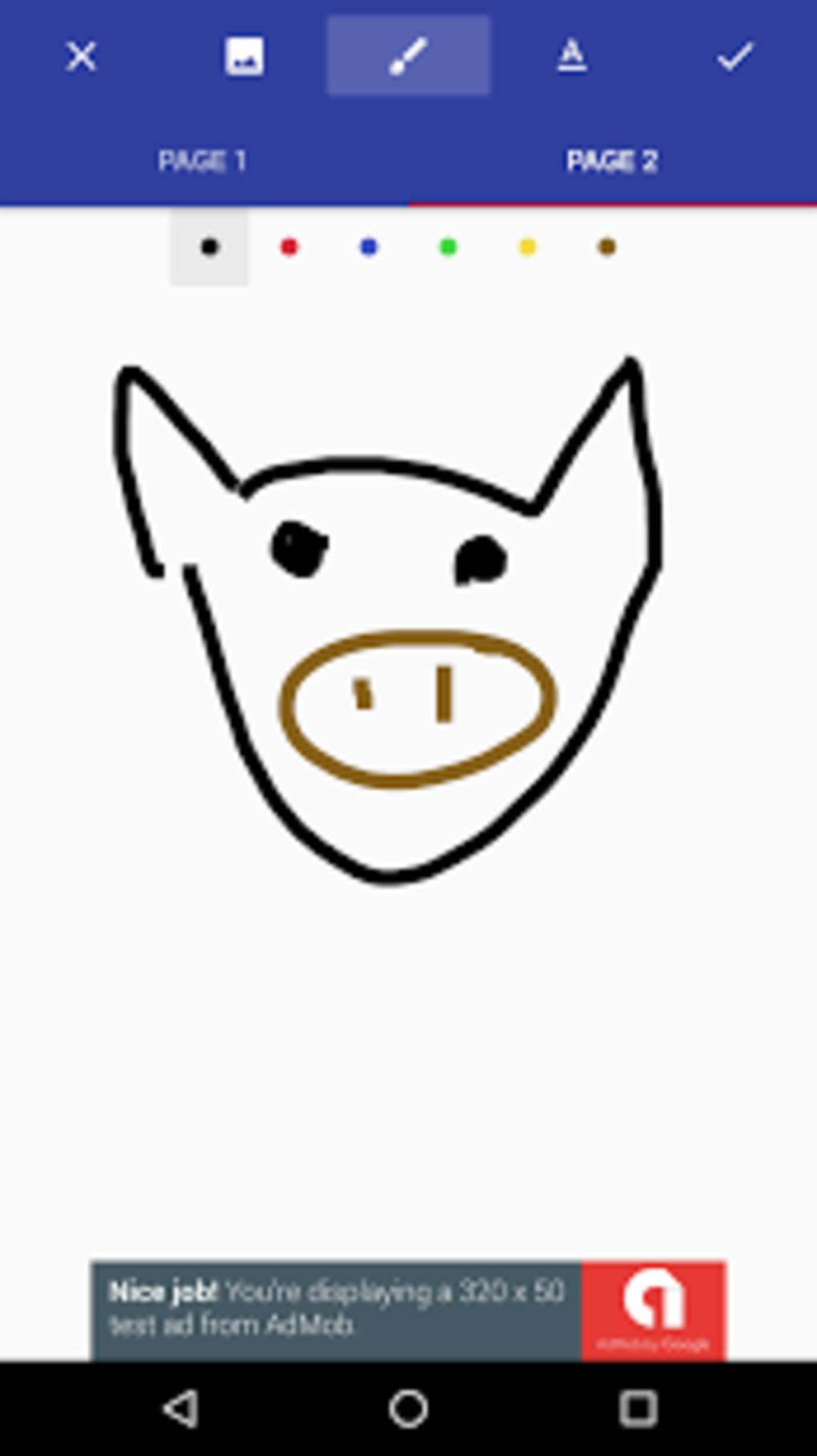
- Doodle and Annotation Tools – Includes basic drawing functions such as lines, shapes, and freehand sketching to add visual commentary.
- Image Insertion – Supports adding user-uploaded images or graphics to enhance the meme’s visual impact.
- Social Media Export – Enables direct sharing of edited images to popular platforms, facilitating rapid content distribution.
These features support the app’s core purpose: transforming formal government documents into comedic content. For example, users can insert a fake policy about “mandatory napping” or “ban on all left-handed people” with a doodled signature. The tools are simple but sufficient for quick meme generation. However, the app does not offer advanced editing capabilities such as layer management, filters, or animation support.
Workflow efficiency is optimized for speed, with minimal steps required to create and export a meme. The lack of complex features ensures accessibility for non-designers. Still, the absence of GIF export or batch processing limits its use for more advanced content creators.
User Interface, Workflow & Performance
The user interface is straightforward, built around a central canvas where the executive order template is displayed. Navigation is minimal, relying on a toolbar at the top or side that houses the text, doodle, and image tools. Menus are intuitive, with clear icons and labels, making the app easy to use for first-time users.
Workflow begins with selecting the template, followed by adding text or drawing elements. Users can adjust font size, color, and position before exporting. The process is linear and efficient, designed to minimize friction between idea and output. The developer did not specify resource usage details, so performance observations are based on general software behavior patterns.
Stability appears to be consistent for basic operations, though no formal testing data was provided. The application runs without visible crashes during standard use. CPU and RAM usage are expected to remain low due to the app’s limited scope and lack of intensive processing. However, exact performance metrics were not specified.
Compatibility & System Requirements
Donald Draws Executive Doodle is available for Windows and Mac operating systems. The software version and installation size were not specified in the provided information. Platform compatibility information is limited to the two major desktop platforms.
Exact system requirements were not listed. The developer did not provide details about minimum hardware specifications such as processor speed, RAM, or disk space. As a lightweight application focused on image manipulation and text overlay, it is likely to run on most modern systems. However, users should verify compatibility with their specific setup.
Installation is expected to be simple and quick, consistent with typical desktop applications. No external dependencies or background services are mentioned, suggesting a standalone executable.
Pros and Cons
Pros
- Simple, intuitive interface ideal for casual users and meme creators.
- Quick and efficient workflow for generating satirical content.
- Supports direct social media sharing for immediate distribution.
- Fun, novelty-driven tool for political humor and internet culture.
- Lightweight with minimal system impact.
Cons
- Limited to basic text and doodle editing; no advanced design features.
- Cannot export as GIF or video, restricting multimedia use.
- Not suitable for real document editing or professional applications.
- Lack of system requirements and performance data may hinder user confidence.
- Short-term entertainment value; may lose appeal after repeated use.
FAQ Section
Is Donald Draws Executive Doodle available for Windows and Mac?
Yes, the app is compatible with both Windows and Mac operating systems.
Can I use this app to create real executive orders?
No. The software is strictly for entertainment and satire. It is not intended for legal or official document creation.
Does the app support exporting to GIF format?
Currently, the app does not support GIF export. Users can only save images in standard formats like PNG or JPEG.
Is the app free to download and use?
Yes, the software is available for free download and use. No subscription or in-app purchases are mentioned.
How often are updates released?
Update frequency was not specified. Users should check the official source for the latest version and any available patches.
Final Thoughts + CTA
Donald Draws Executive Doodle delivers on its promise as a lightweight, fun tool for creating political memes. While it lacks advanced features and long-term utility, it excels in its niche—offering a simple, fast way to generate humorous content based on executive order templates. The app is best suited for casual users, internet humor lovers, and those looking to engage in light satire. Its minimal design and straightforward workflow make it accessible even to non-technical users.
Despite its limitations, the app provides a momentary burst of entertainment and creative expression. It is not meant to replace professional design tools or document processors, but rather to serve as a playful digital gag. For those seeking a quick laugh or a shareable meme, it fulfills its purpose effectively.
Download Donald Draws Executive Doodle now and turn your political jokes into visual content in seconds.
Guides & Tutorials for Donald Draws Executive Doodle APK
How to install Donald Draws Executive Doodle APK
- Click the Preview / Download button above.
- Once redirected, accept the terms and click Install.
- Wait for the Donald Draws Executive Doodle APK download to finish on your device.
How to use Donald Draws Executive Doodle APK
This software is primarily used for its core features described above. Open the app after installation to explore its capabilities.
User Reviews for Donald Draws Executive Doodle APK 0
No reviews found





